Entity Profile Reports - Visitors
1. Go to www.oncorp.com
2. Under the Business Services tab, select view all products:

3. The second tab should be the Reports tab, please select Entity Profile Report/certificate of
status:
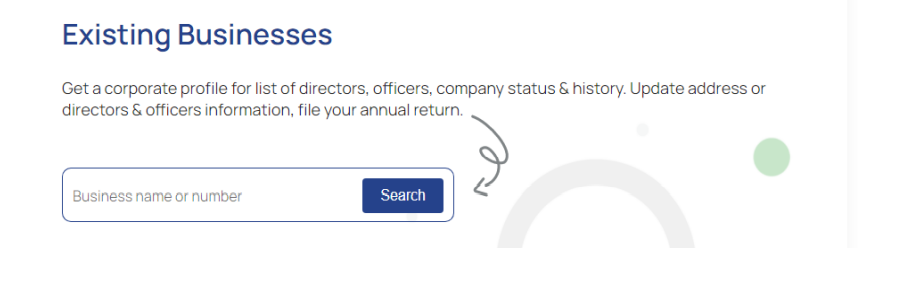
4. On the next page enter the name of the business/entity you want to search and hit search:
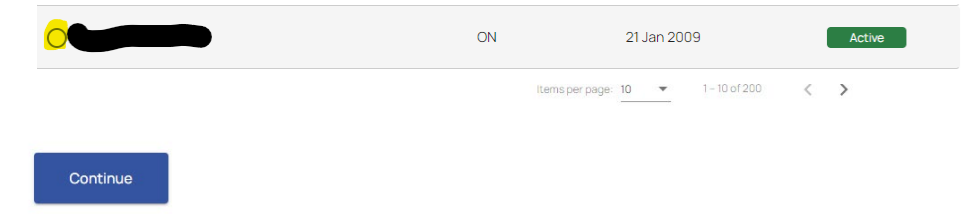
5. Wait for the results to be loaded then click the radio button right next to the name of your
entity and click continue (at the bottom of the page):
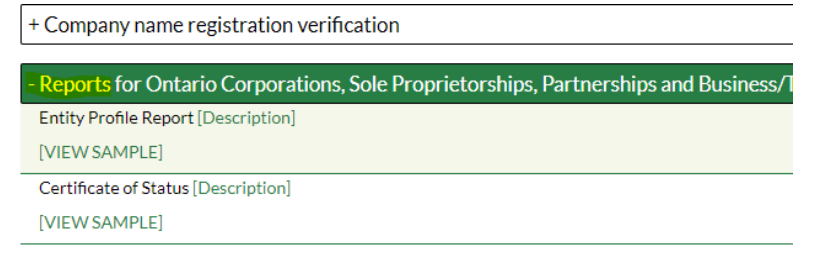
6. Select the product that you want and click continue again (you can also click on view sample to
view a sample of the entity profile report):
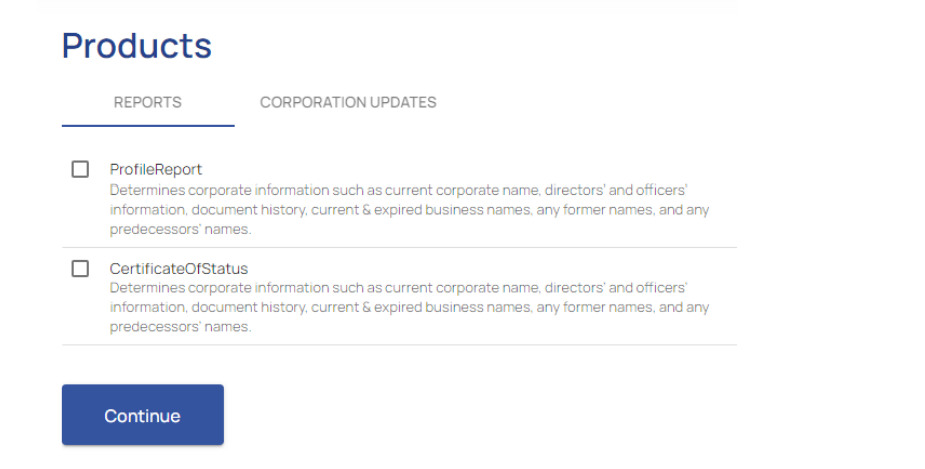
7. Click Add to cart:

8. On this page you will select checkout or continue shopping (if you want to order more reports):

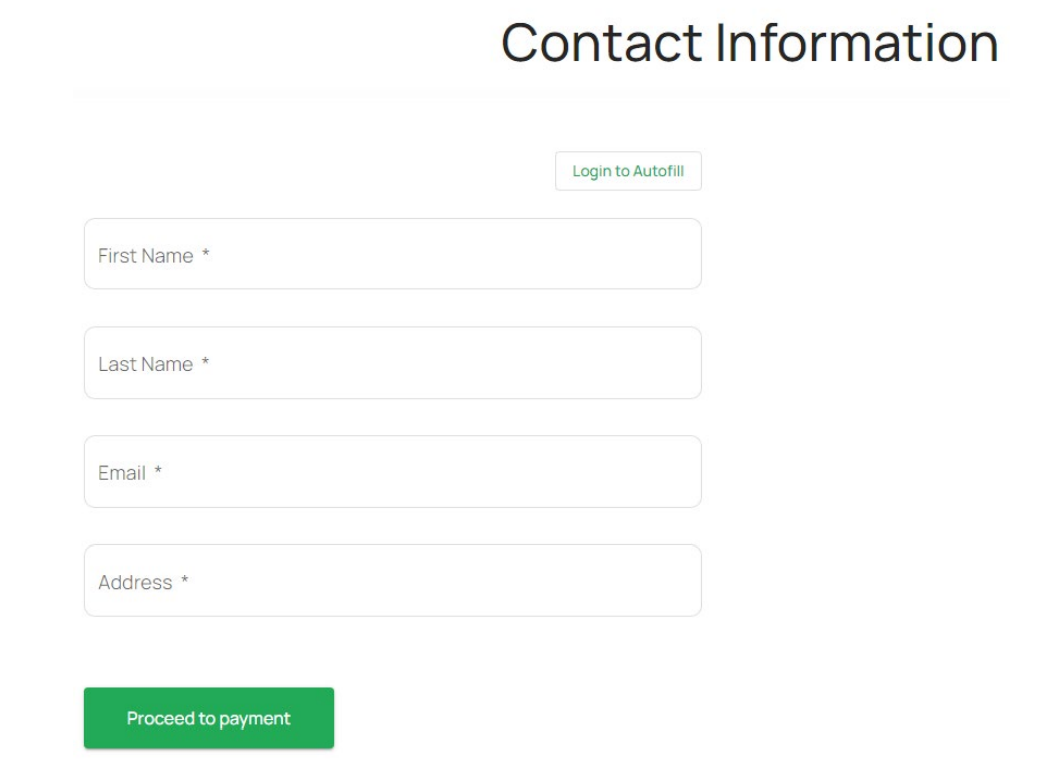
9. On the next page you will enter your details and click proceed to payment:
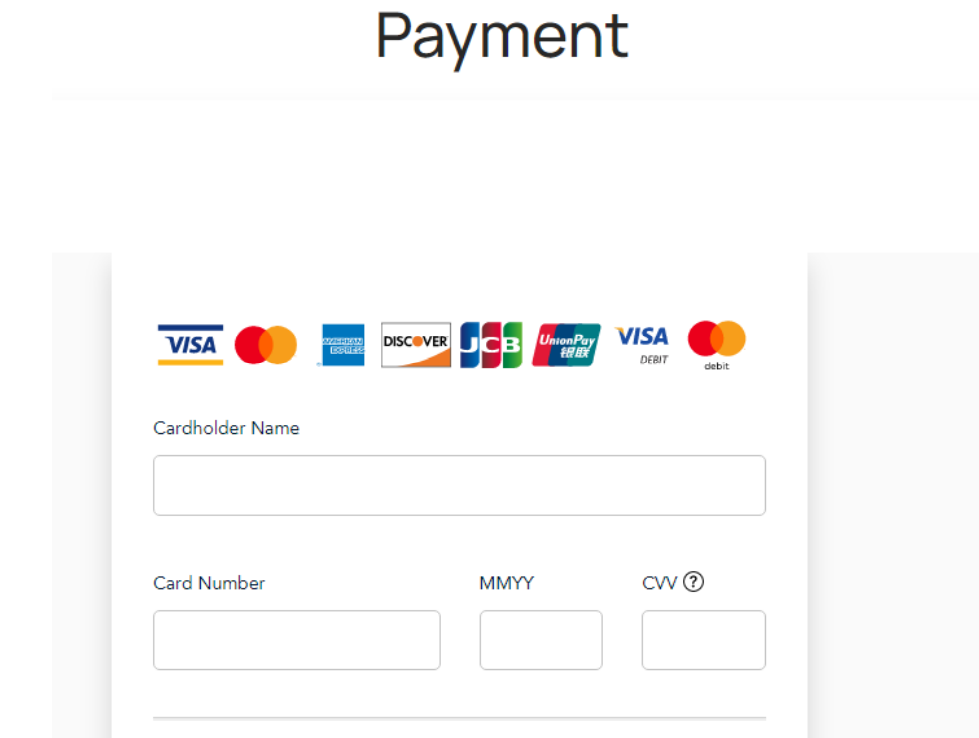
10. Enter the payment details and click checkout:
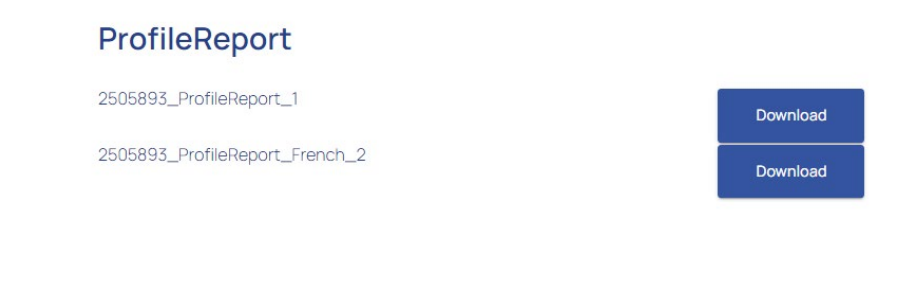
11. After which you should get the download report link, please download, and save the report
using the link, please note that the receipt will be emailed to you: